Finance & accounting
Connect invoices, payments, receivables, payables, and financial reporting. Agree the chart of accounts, cost centres, opening balances, and approval responsibilities before importing data.
ONESPACE / ERPNEXT
ERPNext brings connected business records into one platform. OneSpace turns that capability into a practical operating system for your team—with the right setup, data, training, and support.
THE STARTING POINT
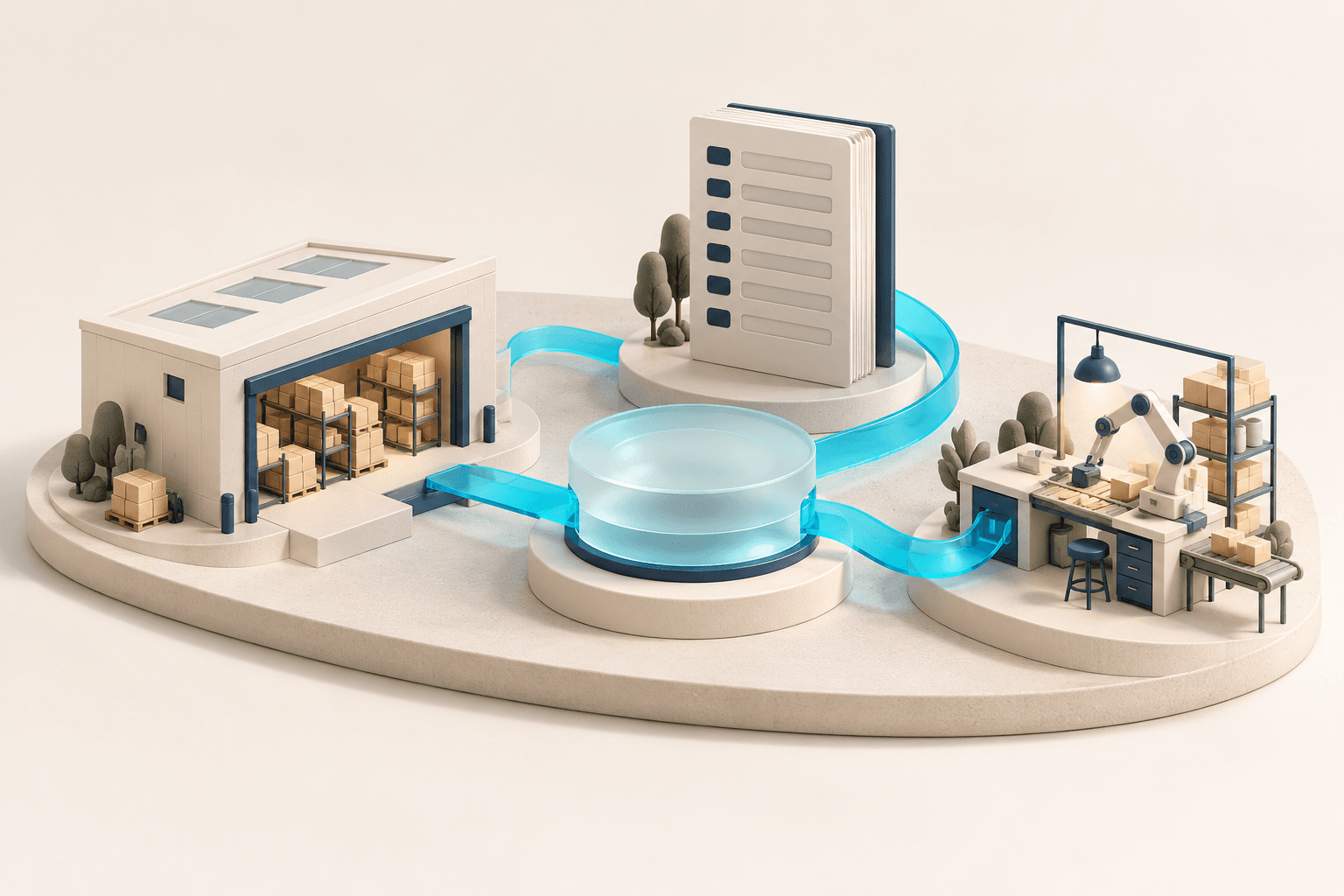
An invoice is more useful when it connects to the customer order, the goods delivered, and the payment still due. ERPNext helps teams follow those relationships across business functions. The implementation makes sure your records, permissions, and working habits support that connected view.
CONNECTED CAPABILITIES
Connect invoices, payments, receivables, payables, and financial reporting. Agree the chart of accounts, cost centres, opening balances, and approval responsibilities before importing data.
Follow an enquiry through quotation, order, delivery, and invoice. Keep customer details and commercial terms consistent across the handover to operations.
Turn material needs into supplier enquiries, purchase orders, receipts, and invoices. Define who can request, approve, and receive each type of purchase.
Track receipts, transfers, deliveries, and stock valuation across locations. Use batch or serial records where needed, supported by disciplined item data and stock reconciliation.
Bring bills of materials, work orders, material movements, job cards, and quality checks into the production flow. Confirm planning assumptions with the team responsible for the shop floor.
Organise tasks, timesheets, project costs, and billing around the work being delivered. Agree how progress and profitability will be reviewed.
Maintain asset records, depreciation settings, and maintenance activities. Give finance and the people using equipment a consistent record to work from.
Extend the scope with Frappe HR for employee records, leave, attendance, and payroll workflows. Local payroll rules and any attendance-device connections need their own validation.
Company structure, account setup, item definitions, and opening balances shape everything that follows. We agree the standards with your process owners before loading data and testing transactions.
Standard workflows are the starting point. Where the business needs something different, we identify the gap and assess configuration, a compatible application, or custom development. Each addition needs a purpose and an upgrade path.
Frappe HR, CRM, Helpdesk, and other applications can support additional needs. They are distinct applications: installation, integration, version compatibility, and service costs are evaluated for your environment.
WHAT THIS MAKES POSSIBLE
BEFORE WE BEGIN
No. Open source describes the software licensing model. Professional implementation, hosting, integrations, maintenance, and training remain separate cost items.
No. The installed applications and their compatibility are specified in the scope. A shared ecosystem does not mean every application is installed or connected automatically.
Yes. We compare the required workflows, licensing, integration effort, hosting options, and ongoing ownership. Products and editions have different capabilities, so the comparison starts with a requirements brief.
YOUR NEXT CHAPTER
Tell us where things stand, what is getting in the way, and what you want to achieve. We can shape the next step from there.